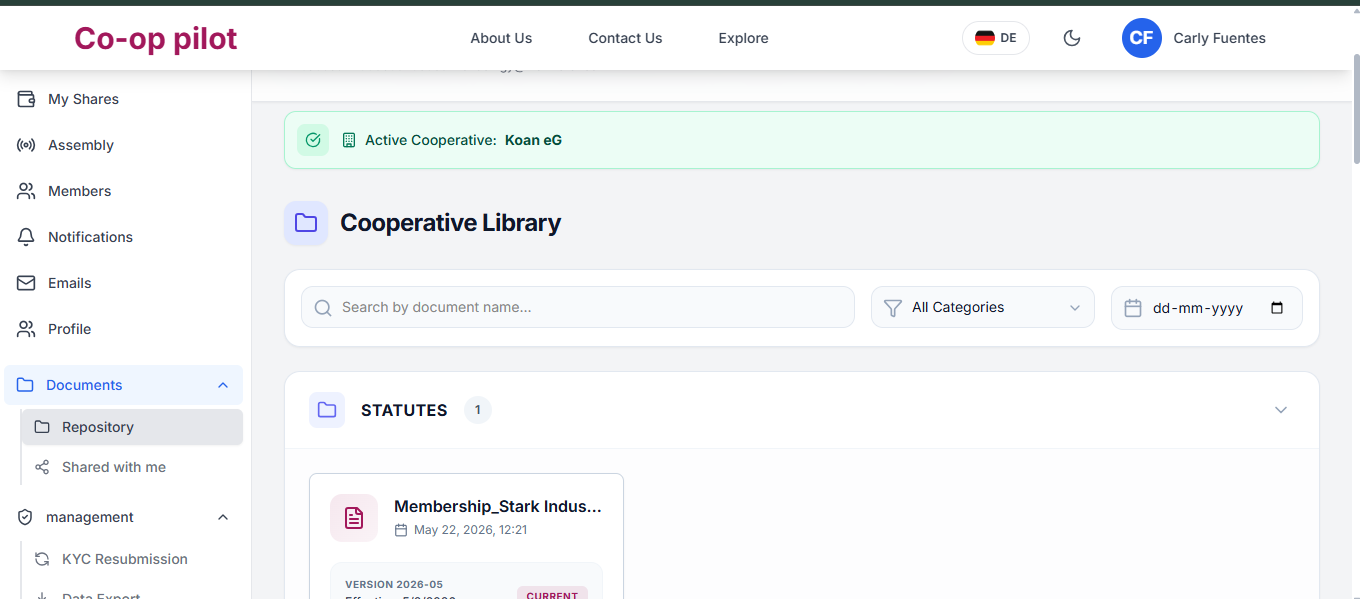
Accessing Shared Documents
Access official cooperative files, personal tax statements, and group publications in your private Document Vault.
1. Accessing Individual Shared Documents
Documents shared specifically with your account (e.g. Personal Share Subscription Certificates, Tax Payout Statements):
- Open Documents > Shared With Me.
- View individual files marked Private to You.
- Click Download PDF to retrieve official files.
2. Accessing Group & Public Shared Documents
Documents shared with all members or specific committees (e.g. Cooperative Statutes, Annual Financial Reports, Assembly Minutes):
- Navigate to Documents > Public & Group Files.
- Filter by folder category (Statutes, General Assembly, Financials).
- Download published files or view inline in the PDF viewer.